
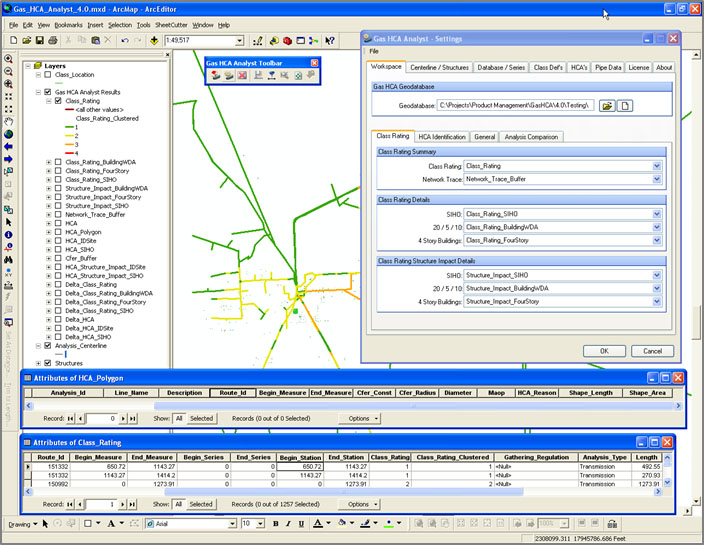
Highly configurable calculation settings address the framework of a company’s integrity management program.

Gas HCA Analyst is a software application that determines how many structures fall within proximity of a pipeline (Class Location) and identifies high consequence areas (HCA) and regulated onshore gathering lines. GIS analysts and technicians use this tool to quickly, accurately, and reliably run the analysis and prepare for submittal to meet DOT regulations.
Gas HCA Analyst’s advanced design follows a “show your work” philosophy. This means every Class Location and HCA determination is accompanied by detailed project settings and metadata critical for project validation. Gas HCA Analyst also allows you to pull pipeline data from a variety of databases and generate the results in both tabular and geospatial formats, meeting the diverse needs of various departments that need to review the results.
Gas HCA Analyst increases productivity by automating the analysis and reducing errors that often occur with manual analysis. It saves configuration settings that are unique to your integrity management framework so you can use them in the future to drive consistent results and generate time-based comparisons along the pipeline network.
Highly configurable calculation settings address the framework of a company’s integrity management program.
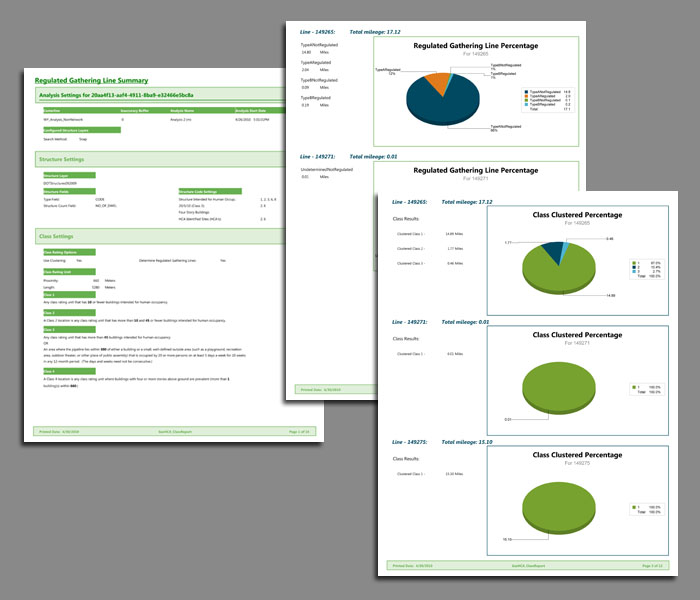
Pre-configured templates in Crystal Reports enhance the reporting and output options.
GAS HCA ANALYST is a trademark or registered trademark of New Century Software, Inc. Third party trademarks, trade names, product names and logos may be the trademarks or registered trademarks of their respective owners.